
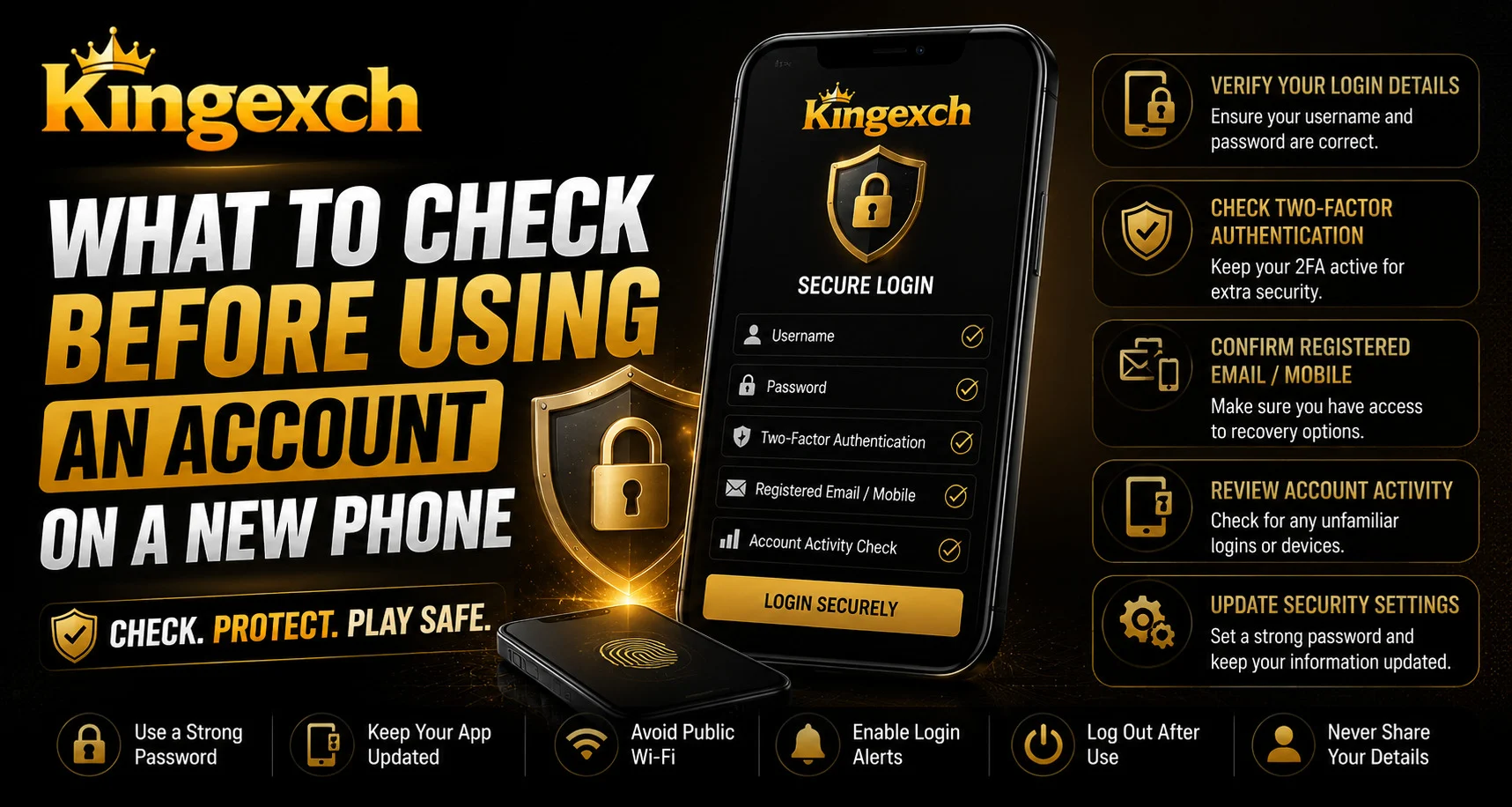
Introduction
Getting a new phone can make account access easier, but moving an account to a different device should be handled carefully. Login details, active sessions, payment information, recovery options, and verification settings may still be connected to the previous phone.
For users accessing Kingexch from a new device, completing a few basic security checks can help protect personal information and prevent unnecessary login problems. A simple setup process can make the transition smoother and safer.
Check Your Login Details
Before using your account on a new phone, confirm that your login information is correct. Make sure your registered mobile number, email address, username, and password are available.
Check:
- Registered mobile number
- Email address
- Current password
- Account ID or username
- Recovery information
- Verification method
Avoid repeatedly entering incorrect passwords, as this may temporarily restrict account access.
Review Your Account Security Settings
A new phone is a good time to review your existing security settings. Make sure your recovery information and verification methods are still accurate.
Important areas to check include:
- Password settings
- Login verification
- Recovery options
- Registered contact details
- Security notifications
- Account access settings
If you notice unfamiliar information, use the official support process to resolve it.
Check Active Login Sessions
Some online services allow users to see devices where their accounts are currently logged in. Reviewing this information can help identify unusual access.
Look for:
- Your previous phone
- Your new phone
- Unknown devices
- Unexpected login locations
- Unfamiliar login times
If you see a device you do not recognize, sign it out if possible and change your password.
Sign Out of Your Old Phone
If you are selling, giving away, or trading in your previous phone, remove your account access first.
Before handing over the device:
- Sign out of important accounts
- Remove saved passwords
- Delete personal information
- Remove stored payment details where appropriate
- Disable account synchronization
- Perform a factory reset
Back up important files before resetting the old device.
Use a Trusted Internet Connection
When logging into an account on a new phone, use a trusted mobile connection or private Wi-Fi network whenever possible.
Avoid entering sensitive information through:
- Unknown public Wi-Fi
- Suspicious websites
- Random login links
- Unverified applications
- Shared devices
Always check the website address carefully before entering account credentials.
Download Apps From Trusted Sources
If an application is required for account access, download it only from a trusted app store or official source. Fake applications can imitate legitimate services and may request unnecessary permissions.
Before installing an app, check:
- Developer information
- App name
- Download source
- Recent updates
- User reviews
- Required permissions
Users checking King Exchange 9 access on a new phone should confirm the correct website or application before entering login details.
Review Payment Activity
Payment information should receive additional attention when switching devices. Check your recent transactions and make sure there are no unfamiliar activities.
Review:
- Recent deposits
- Withdrawal records
- UPI transactions
- Bank notifications
- Saved payment methods
- Unrecognized transactions
Never share your UPI PIN, OTP, password, or banking credentials with another person.
Protect the New Phone
Your account security also depends on the security of your device. Use the built-in protection features available on your phone.
Useful measures include:
- Strong screen lock
- Fingerprint authentication
- Face authentication
- Device tracking
- Automatic software updates
- Application updates
Avoid leaving your phone unlocked when it contains sensitive account information.
Be Careful With Saved Passwords
New phones often offer automatic password-saving and synchronization features. These can be convenient, but users should understand where their credentials are stored.
Avoid keeping sensitive information in:
- Unprotected notes
- Random screenshots
- Shared browsers
- Public devices
- Unsecured messages
Use trusted password-management tools when appropriate and avoid reusing the same password across multiple accounts.
Check New Login Notifications
After signing in on a new phone, monitor your email, SMS, or account notifications for new-device alerts.
Pay attention to:
- New login alerts
- Password-change notifications
- Verification requests
- Unrecognized access warnings
- Payment notifications
If you receive an alert for activity you did not perform, secure the account immediately through the official support process.
Responsible Account Habits
Changing phones should not mean ignoring responsible account habits. Users should continue to protect their credentials, manage personal spending limits, and avoid emotional decisions.
Good habits include:
- Keep login details private
- Use trusted access points
- Set personal spending limits
- Avoid chasing losses
- Take regular breaks
- Follow applicable local rules
- Use official support channels
Account security and responsible usage should always work together.
Conclusion
Moving an account to a new phone is straightforward when users complete the right security checks. Reviewing login details, active sessions, payment activity, security settings, and application sources can help reduce avoidable account risks.
Before giving away an old phone, sign out and remove personal information. On the new device, use a trusted connection, protect the phone with a secure lock, and keep account credentials private.
Taking these simple steps can make the transition safer, more organized, and more reliable.
FAQs
What should I check first when using an account on a new phone?
Start by checking your username, password, registered mobile number, email address, and account recovery information.
Should I sign out of my old phone?
Yes. If you are no longer using or controlling the old device, sign out of your accounts and remove personal information before giving it away.
Why should I check active login sessions?
Checking active sessions can help you identify unknown devices or unexpected access to your account.
Is it safe to log in through public Wi-Fi?
It is better to use a trusted private connection when entering sensitive account information, particularly during login or payment activity.
What information should I never share with anyone?
Never share your password, OTP, UPI PIN, banking credentials, or other confidential authentication information with anyone.


