
Introduction
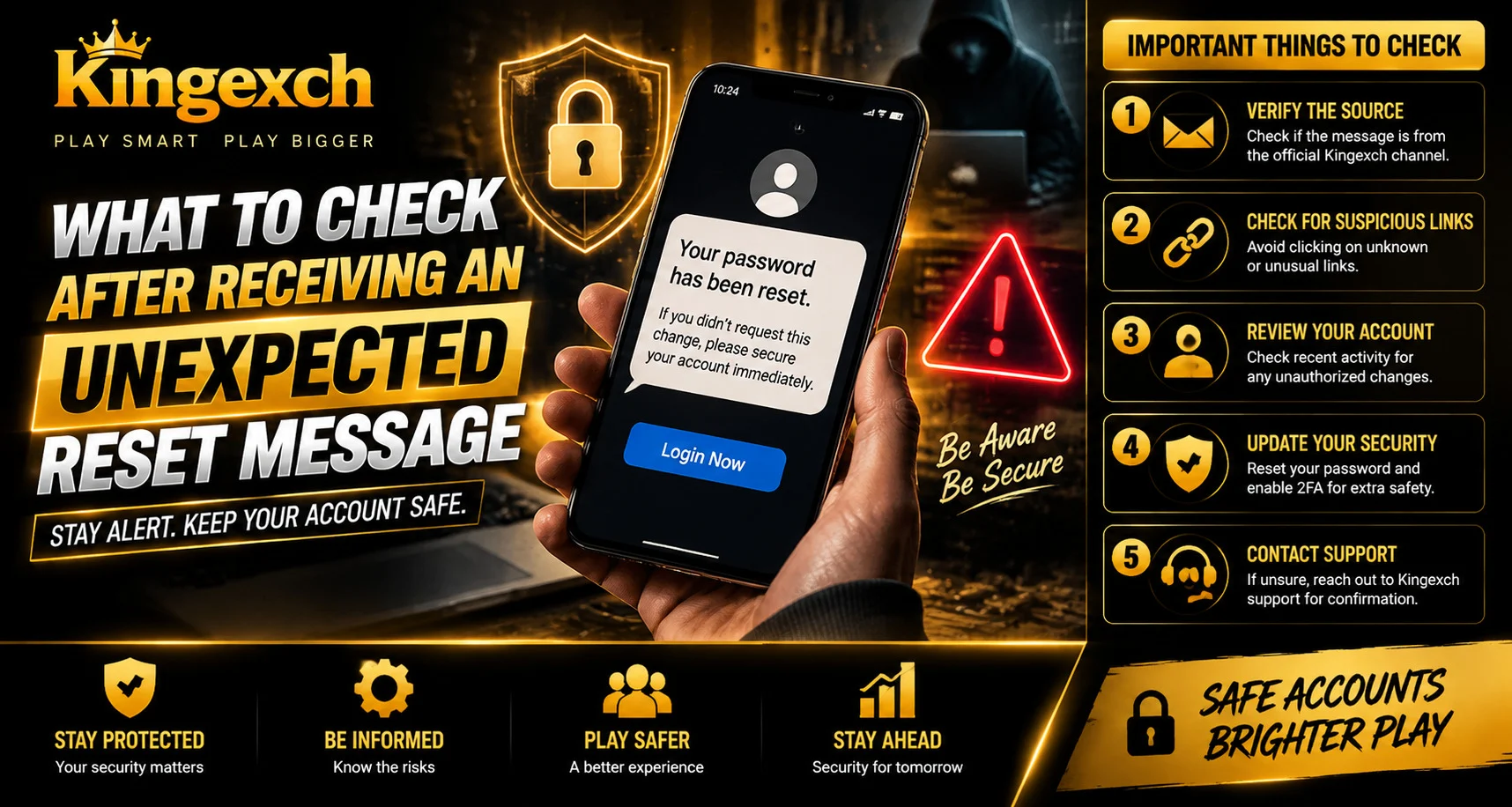
Receiving a password reset message that you did not request can be confusing and may raise security concerns. While some reset messages are triggered by mistakes or forgotten requests, unexpected messages can also be a sign that someone is attempting to access your account.
For users managing online accounts through Kingexch, understanding what steps to take after receiving an unexpected reset message can help protect account information and prevent unauthorized access.
Instead of immediately clicking links or ignoring the message, users should carefully verify the source and review their account security settings.
Why Unexpected Reset Messages Happen
A password reset message can appear for several reasons. Not every unexpected message means your account has been compromised, but it should always be treated carefully.
Possible reasons include:
- Someone entered your email or username by mistake
- A user forgot their login details and tried recovery
- Someone attempted to access your account
- Automated security systems detected unusual activity
- Fake messages are being sent as part of a phishing attempt
Understanding the reason behind the message helps determine the right response.
Do Not Click Unknown Reset Links Immediately
One of the most important steps is avoiding quick action. Attackers sometimes send fake reset messages that appear to come from trusted platforms.
Before clicking any link:
- Check the sender information
- Review the website address
- Look for spelling mistakes
- Avoid suspicious attachments
- Confirm whether you actually requested a reset
A genuine reset process should always come from a trusted source.
Verify the Message Source
Checking where the message came from is an important security step. Fake emails, SMS messages, or notifications may look similar to real ones but contain harmful links.
Look for:
- Official sender details
- Correct website domains
- Professional formatting
- Clear account information
- Secure communication channels
If the message appears unusual, it is safer to access the account directly through the official website rather than using the provided link.
Check Your Account Activity
After receiving an unexpected reset notification, reviewing account activity can help identify unusual behaviour.
Users should check for:
- Unknown login attempts
- New device access
- Changed account details
- Unusual activity notifications
- Recent security alerts
Early detection can help prevent larger security issues.
Change Your Password If Needed
If you believe someone may have attempted to access your account, changing your password is a good security measure.
A strong password should:
- Use a combination of letters and numbers
- Include special characters
- Avoid common words
- Be different from previous passwords
- Not be shared with others
Avoid reusing the same password across multiple accounts because one compromised account can affect others.
Enable Additional Security Protection
Extra security features can provide another layer of protection beyond a password.
Useful options include:
- Two-factor authentication
- Login alerts
- Device verification
- Security notifications
- Recovery options
These features can help prevent unauthorized access even if someone knows your password.
Avoid Sharing Verification Information
Users should never share sensitive security information with anyone claiming to provide support.
Never share:
- Passwords
- OTP codes
- Reset links
- Verification codes
- Account recovery details
Legitimate support teams generally do not ask users to provide confidential security information.
Check If the Reset Message Was Real
If you receive a reset message but did not request one, you can verify whether it was genuine by checking through the official account access method.
Safe steps include:
- Open the official website manually.
- Log in without using the message link.
- Check account notifications.
- Review security settings.
- Contact official support if necessary.
For users following account updates through King Exchange, using verified channels is always a safer approach.
Common Mistakes After Receiving Reset Messages
Many users accidentally increase security risks by reacting incorrectly.
Avoid:
- Clicking unknown links
- Replying to suspicious messages
- Sharing verification codes
- Ignoring repeated reset attempts
- Using weak passwords
A careful response can prevent unnecessary account problems.
What To Do If You Receive Multiple Reset Requests
Repeated password reset messages may indicate continued attempts to access your account.
Recommended actions include:
- Change your password
- Enable extra security features
- Review connected devices
- Monitor account activity
- Report suspicious activity
Multiple unexpected requests should not be ignored.
Why Regular Security Checks Matter
Account protection should not only happen after a security warning. Regular reviews help identify risks before they become serious.
Good security habits include:
- Updating passwords regularly
- Checking login history
- Keeping recovery details updated
- Using updated browsers
- Avoiding suspicious links
Consistent security practices make online accounts safer.
Conclusion
Receiving an unexpected reset message does not always mean your account has been compromised, but it should always be treated seriously. Checking the sender, avoiding suspicious links, reviewing account activity, and improving security settings can help protect your information.
Users should always verify reset requests through official channels and avoid sharing sensitive details with unknown sources.
A careful response to unexpected account messages can reduce risks and help maintain better control over online accounts.
FAQs
What should I do if I receive a password reset message I did not request?
Avoid clicking the link immediately, verify the source, and check your account activity for unusual behaviour.
Can someone access my account just by requesting a reset?
No. A reset request alone does not provide access, but repeated attempts may indicate suspicious activity.
Should I change my password after receiving an unexpected reset message?
If you suspect someone is trying to access your account, changing your password is a recommended security step.
How can I identify a fake reset message?
Check the sender address, website link, spelling, formatting, and avoid clicking suspicious URLs.
What security features can protect my account?
Two-factor authentication, login alerts, device verification, and strong passwords can provide additional protection.


