
Introduction
Mobile phones are used every day for browsing, communication, entertainment, and accessing different online services. When a device begins to feel slow, freeze, or take longer to open apps, low available storage can be one possible reason. For users accessing online platforms such as Kingexch, keeping enough free space on a mobile device can help support smoother app and browser performance.
Storage is needed for more than photos and videos. Phones also use available space for app data, updates, downloads, cached files, and important system processes. Google notes that Android devices can start experiencing issues when less than 10% of storage remains free, while Apple recommends maintaining available space to help avoid slowdowns.
How Low Storage Affects Your Phone
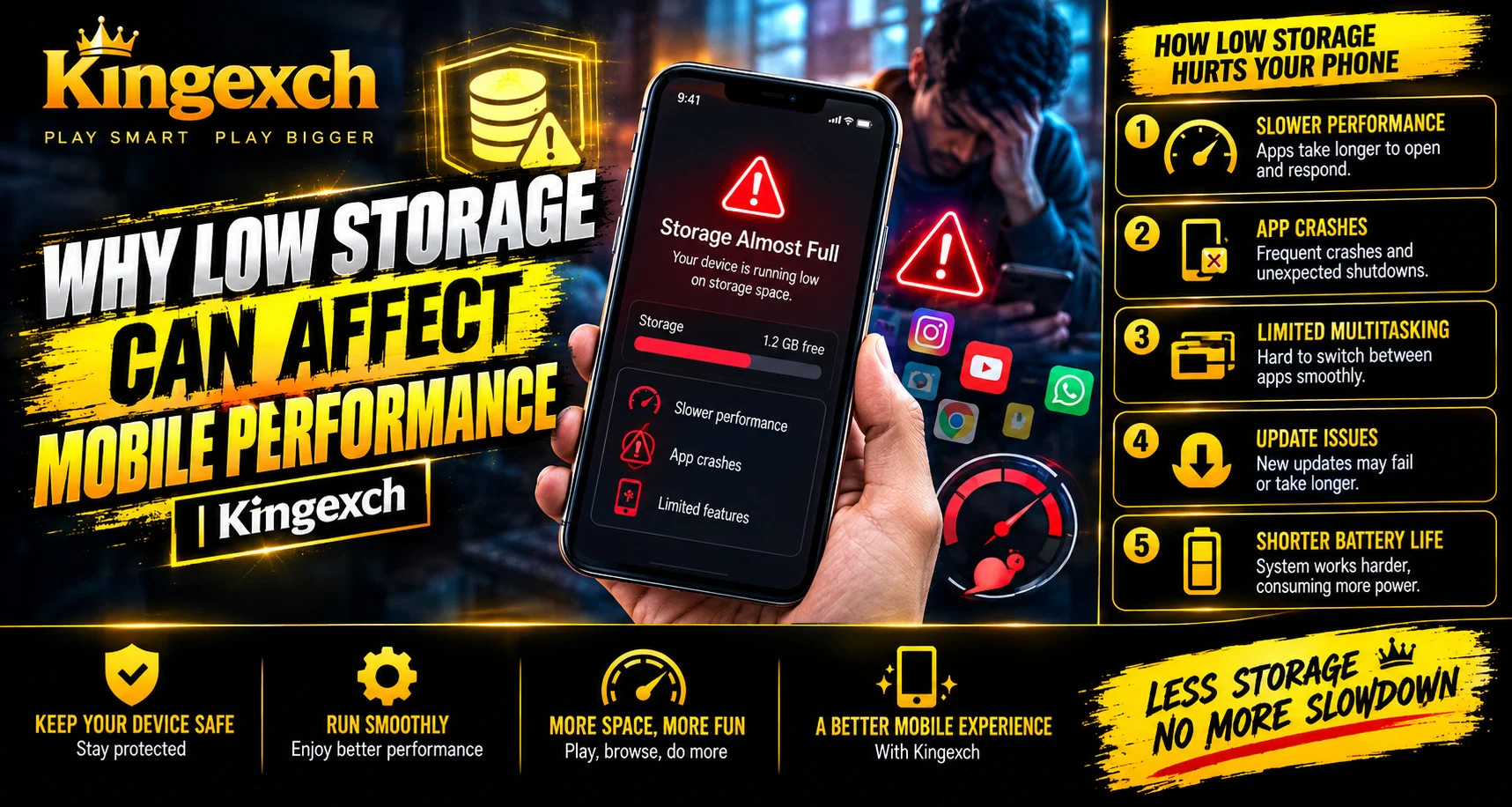
When storage becomes nearly full, the operating system has less room to manage temporary files and complete routine tasks. This can affect the overall experience in several ways.
Common problems include:
- Apps taking longer to open
- Slow response when switching between screens
- Failed app or system updates
- Difficulty downloading files
- Camera problems when saving new photos or videos
- Browser pages loading less smoothly
- Unexpected app errors
Low storage does not always cause every performance problem, but it is an important area to check when a phone starts behaving differently.
Storage and Memory Are Different
One common mistake is confusing storage with RAM or device memory. Storage keeps files, apps, photos, and other data on the device, while RAM is used to run apps and system processes.
Both can affect performance, but in different ways.
For example:
- Low storage can limit room for downloads, updates, and temporary files.
- Low available RAM can make multitasking more difficult.
- Large apps may use both significant storage and system resources.
- Background processes can affect how quickly a device responds.
Understanding this difference makes it easier to identify why a phone may be slowing down.
Why Apps May Perform Poorly
Apps regularly create temporary files and store data to improve future loading. However, when storage is almost full, the device has less flexibility to manage this information.
You may notice that apps:
- Open slowly
- Take longer to update
- Stop responding temporarily
- Reload after switching away
- Have difficulty saving new data
On Android, users can review storage and clear unnecessary app cache or data through device settings. Apple also provides storage recommendations, including options to offload unused apps while keeping their documents and data.
Files That Often Use the Most Space
Many people do not realize how quickly everyday files can fill a phone. The biggest storage users often include:
- Photos and videos
- Downloaded movies and music
- Large apps and games
- App cache files
- Message attachments
- Offline documents
- Old installation files
Reviewing these categories regularly can help users identify unnecessary content. Removing files that are no longer needed is often a simple way to free space without affecting important information.
How to Check Available Storage
Checking storage should be one of the first steps when a phone starts slowing down.
On Android
Open the Settings app and look for the Storage section. The exact location may vary by device manufacturer, but it generally shows how much space is available and which categories use the most storage.
On iPhone
Go to Settings, select General, and then choose iPhone Storage. The device displays available space, storage recommendations, and the apps using the most room.
Simple Ways to Free Storage
You do not always need to delete important files. A few simple steps can make a noticeable difference.
Try:
- Removing apps you no longer use
- Deleting unnecessary downloads
- Clearing unneeded app cache where appropriate
- Reviewing large videos and duplicate files
- Moving backed-up photos off the device
- Checking message attachments
- Updating apps and the operating system
For users browsing services or checking account information through King Exchange, maintaining adequate free storage can also help reduce avoidable device-related performance problems.
When Low Storage Is Not the Only Problem
A slow phone may also be affected by an outdated operating system, poor network conditions, battery health, overheating, or an app-specific issue. Therefore, clearing storage is not guaranteed to solve every problem.
If performance remains poor after freeing space, check:
- Internet connection
- Software updates
- Battery condition
- Device temperature
- Problematic apps
Apple and Google both recommend reviewing these areas when troubleshooting slow devices.
Conclusion
Low storage can affect mobile performance by reducing the space available for apps, updates, downloads, and temporary system tasks. As a result, users may experience slower apps, failed updates, or reduced responsiveness.
Regularly checking storage, removing unnecessary files, and keeping some free space available can help maintain a smoother mobile experience. However, storage is only one possible cause of performance problems, so other factors should also be checked if issues continue.
FAQs
Can low storage make a phone slow?
Yes. Low available storage can contribute to slower performance, app issues, and problems with downloads or updates.
How much free storage should I keep?
The ideal amount depends on the device, but Google notes that Android phones can begin having issues when less than 10% of storage is free. Apple also recommends maintaining available space to help avoid slowdowns.
What takes up the most mobile storage?
Photos, videos, apps, downloads, message attachments, and cached data are common storage users.
Will deleting apps improve phone performance?
Removing unused apps can free storage and may help if low storage is contributing to performance problems.
Why is my phone still slow after freeing storage?
Other causes may include poor network conditions, outdated software, battery issues, overheating, or a specific app problem.


