
Introduction
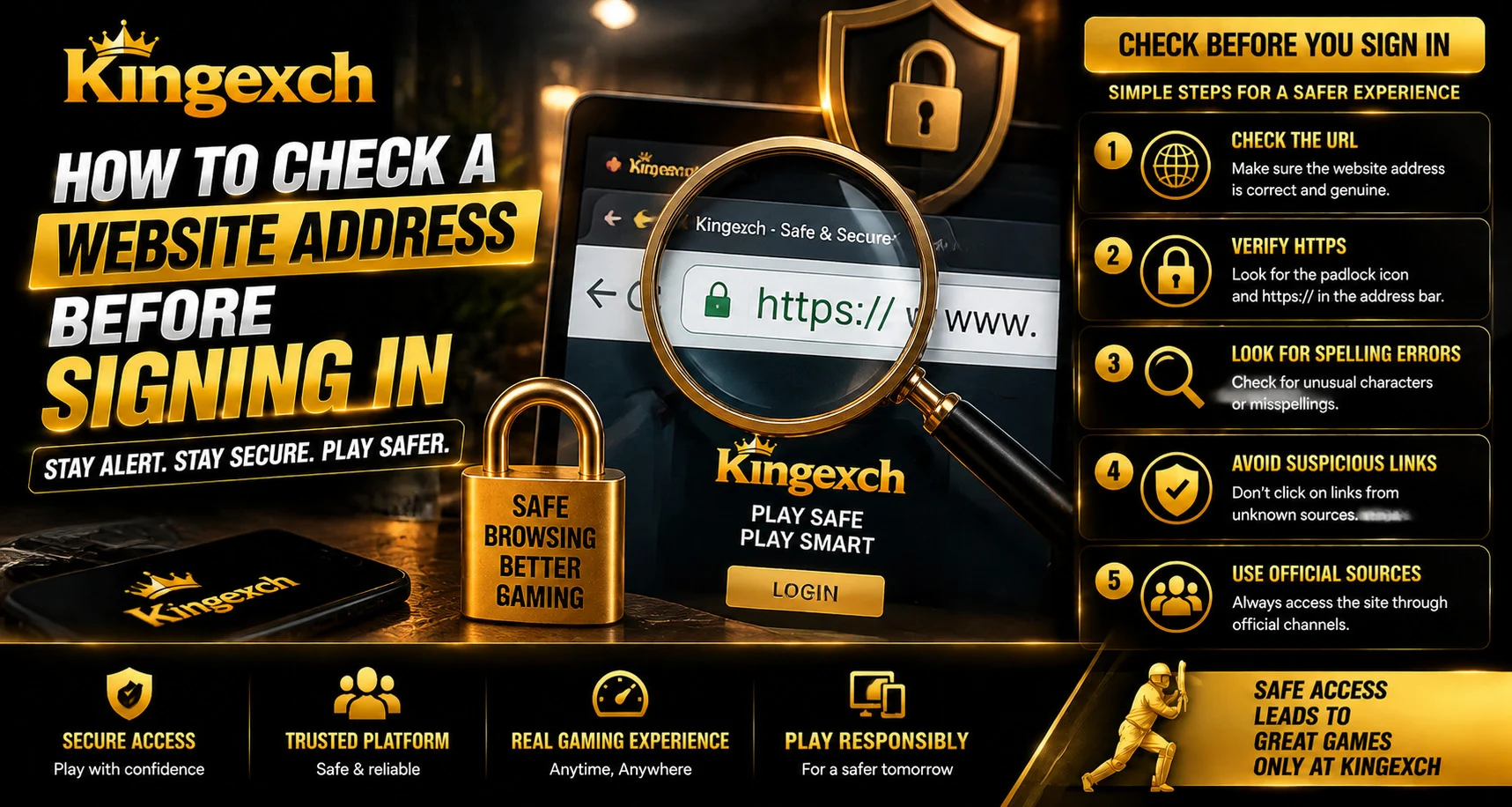
Before entering login details on any website, checking the website address is an important security step. Fake websites can sometimes look similar to genuine platforms and may be designed to collect usernames, passwords, or other private information.
For users accessing online accounts through Kingexch, verifying the website address before signing in can help reduce the risk of visiting unsafe pages. A few seconds spent checking the URL can prevent many common online security problems.
Understanding how website addresses work and knowing what signs to look for can help users make safer decisions while browsing.
Why Checking a Website Address Matters
Cybercriminals often create websites that copy the appearance of trusted platforms. These pages may use similar logos, designs, and login screens to appear legitimate.
Checking the website address helps users identify:
- Fake login pages
- Incorrect domain names
- Suspicious links
- Phishing attempts
- Unsafe websites
The website address is one of the first things users should verify before entering any sensitive information.
Check the Domain Name Carefully
The domain name is the main part of a website address. Small differences can indicate that a website is not the original platform.
Users should look for:
- Correct spelling of the domain
- Unexpected additional words
- Unusual characters
- Different domain extensions
- Misspelled brand names
For example, a fake website may use a slightly changed spelling to confuse visitors.
Look for Secure Website Connections
A secure website normally uses HTTPS, which indicates that the connection between the browser and website is encrypted.
Before signing in, check:
- The website begins with HTTPS
- The browser does not show security warnings
- The connection appears secure
However, users should remember that HTTPS alone does not prove a website is genuine. A fake website can also have an HTTPS connection, so other checks are still necessary.
Avoid Clicking Unknown Login Links
Many fake websites are shared through messages, emails, advertisements, or social media posts. These links may redirect users to pages designed to steal information.
Before clicking:
- Check who sent the link
- Review the complete URL
- Avoid suspicious shortened links
- Do not trust urgent login requests
Typing the website address manually or using a saved trusted bookmark can be safer.
Be Careful With Similar-Looking Websites
Some fake websites are designed to look almost identical to real platforms. They may copy:
- Logos
- Colors
- Login layouts
- Buttons
- Images
Visual appearance alone should not be used to confirm whether a website is genuine. The URL remains one of the most important checks.
Check Browser Warnings
Modern browsers provide warnings when they detect potentially dangerous websites.
Pay attention to:
- Security alerts
- Certificate warnings
- Suspicious page notifications
- Blocked website messages
Ignoring these warnings can increase the risk of exposing personal information.
Verify Before Entering Account Details
Before entering a username, password, or verification information, users should complete a quick security check.
Ask yourself:
- Is this the correct website address?
- Did I open this page intentionally?
- Does the website look normal?
- Is the connection secure?
- Did I receive this link from a trusted source?
These simple questions can prevent many avoidable security issues.
Avoid Saving Login Information on Unknown Websites
Browsers often offer to save passwords for convenience. However, users should avoid saving credentials when they are unsure about a website.
Safer practices include:
- Saving passwords only on trusted platforms
- Using strong unique passwords
- Reviewing saved credentials regularly
- Removing unknown saved entries
Password security is an important part of protecting online accounts.
Use Additional Security Features
Checking a website address is only one security step. Users should also use additional account protection methods.
Helpful features include:
- Two-factor authentication
- Login alerts
- Device verification
- Strong passwords
- Updated browsers
These measures add extra protection even if login information is exposed.
Common Website Address Mistakes
Many users make simple mistakes when checking website addresses.
Common errors include:
- Clicking the first search result without checking
- Ignoring spelling differences
- Trusting copied links
- Entering details on unfamiliar pages
- Assuming a website is safe because it looks professional
Careful checking can help avoid these problems.
Why Regular Security Awareness Matters
Online threats continue to change, making awareness an important part of digital safety.
Users should regularly:
- Update browsers
- Review account activity
- Check website addresses
- Avoid suspicious messages
- Learn common phishing methods
For users following account access through King Exchange, maintaining good browsing habits can improve overall account protection.
Conclusion
Checking a website address before signing in is a simple but effective security habit. Fake websites can appear convincing, but careful attention to the domain name, URL structure, browser warnings, and security signs can help users avoid risky pages.
Users should always confirm that they are visiting the correct website before entering login details. Combining URL checks with strong passwords, updated browsers, and additional security features creates a safer online experience.
A few seconds of verification before signing in can help protect valuable account information.
FAQs
Why should I check a website address before logging in?
Checking the website address helps identify fake websites and reduces the risk of sharing login details with unsafe pages.
Does HTTPS mean a website is completely safe?
No. HTTPS protects the connection, but users should still verify the website address and authenticity.
How can I identify a fake website URL?
Look for spelling mistakes, unusual characters, extra words, and domain names that do not match the official website.
Is clicking login links from messages safe?
It depends on the source. Users should verify links before opening them and avoid suspicious or unexpected login requests.
What should I do if I enter details on a fake website?
Change the affected password immediately, enable additional security features, and review account activity for unusual actions.


